Observe what disconnects
Note whether the controller powers off, flashes a pairing indicator, remains connected to the operating system or disappears only from the game. Those outcomes point to different checks. Record the host device, operating system, controller model and connection mode. A controller that works in a system menu but not in one game may have a compatibility or mapping problem rather than a failing wireless link.
Start with adequate power using the correct method for the device. Low batteries can make a wireless fault look intermittent. Restart the controller and host with their documented procedures, then repeat the same test. Avoid clearing every pairing record immediately; first note whether another previously paired device is nearby and reconnecting automatically.
Identify the transport
Bluetooth, Xbox Wireless and a proprietary USB receiver are not interchangeable names for wireless operation. Early Xbox One Wireless Controller revisions do not support Bluetooth, while Xbox Wireless Controller model 1708 and the later model 1914 do. Verify the label and official compatibility information rather than guessing from the pairing light. An Xbox Wireless Adapter is a different path from a PC’s Bluetooth radio.
DualShock 4 and DualSense compatibility varies by host and game, and not every feature is available through every connection type. Nintendo Switch Pro Controller wired communication on a Switch depends on the relevant system setting and a suitable cable. The 8BitDo Ultimate family includes products with different supported modes and receivers. The product suffix matters as much as the family name.
| Path | What must be true | Useful comparison |
|---|---|---|
| USB data | The cable carries data and the controller supports the host. | Direct host port versus hub. |
| Bluetooth | Both devices support the required controller mode. | Nearby, unobstructed use versus usual position. |
| Dedicated receiver | The receiver matches the controller family and mode. | Correct receiver in a different host port. |
Make the cable test meaningful
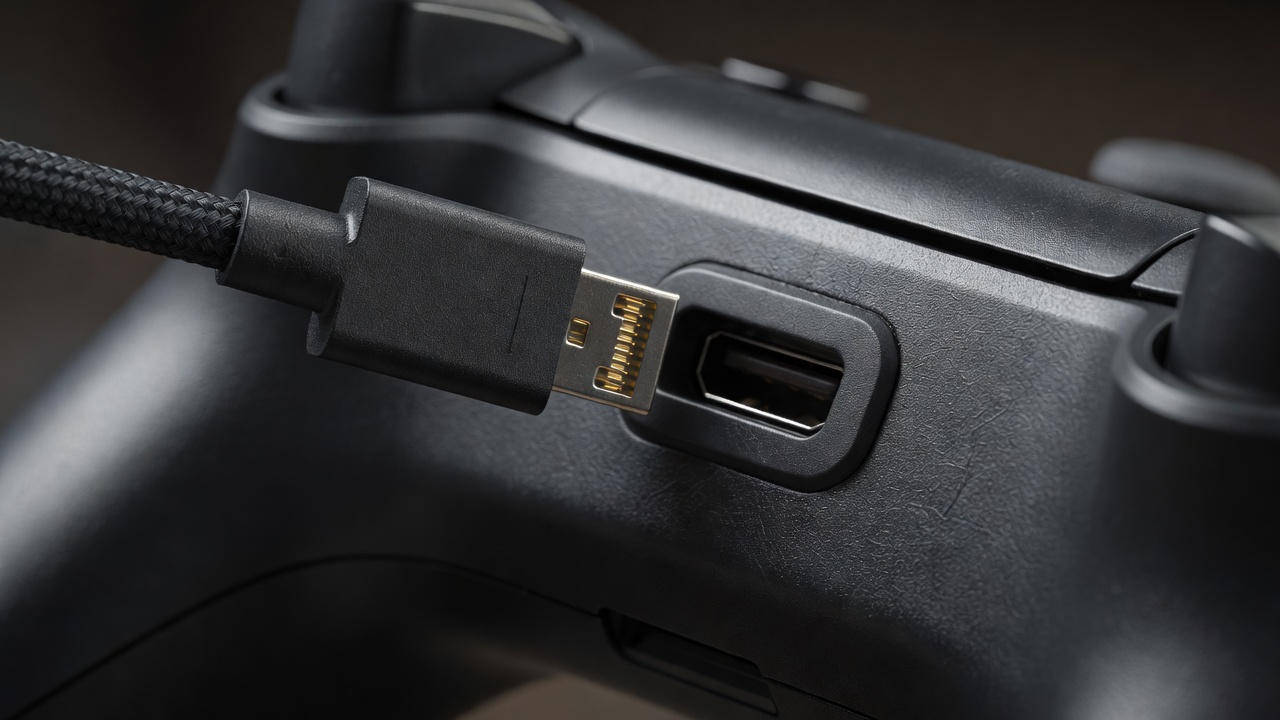
Use a known-good compatible USB data cable. A cable can power lights or charge a battery while providing no working data connection. Plug directly into a supported host port for the first comparison, bypassing docks, extension leads and hubs. If the plug feels loose, inspect externally with power disconnected. Do not repeatedly wiggle it to force a brief connection.
A stable wired session can narrow the problem toward wireless operation, but it is not absolute proof of a bad radio. Wired power may also hide a weak battery. Conversely, a wireless session that remains stable while USB disconnects points toward the cable, port or host data path. Confirm that the controller actually changed transport; plugging in a charging cable does not always make it operate over USB.
Reduce wireless variables
Test close to the host with an unobstructed path. Move the receiver away from metal enclosures, crowded hubs and nearby USB 3 equipment using an appropriate extension if available. Congested 2.4 GHz environments can affect some wireless links. Change one position or device at a time so an improvement has meaning.
If the controller is paired to several hosts, disable Bluetooth temporarily on the unused host or disconnect it there. Then use the manufacturer’s pairing instructions for the intended device. Only remove and recreate a pairing after you know how to restore it. Update controller firmware, host software and relevant adapter drivers through official sources, with stable power and no interrupted update.
Separate host and controller evidence
Where compatibility permits, compare another controller on the same host, or the suspect controller on another host. A second test is valuable only if it uses a supported mode. A DualSense not being recognized by an unsupported game does not demonstrate hardware failure, and a wired-only controller cannot be diagnosed by trying to pair it over Bluetooth.
Stop if the port is physically damaged, the controller heats unexpectedly or a drop has left loose parts inside. Do not open the shell to adjust an antenna as a first response. Report whether the fault follows the controller, host, cable or wireless location. Include the exact transport and whether the power indicator changes. That evidence gives support or a repairer a narrower problem than “it disconnects sometimes.”