The camera moves on its own
Separate game settings, calibration and sensor wear before considering a stick-module repair.
Check stick drift →Controller fault bench / independent guides
A drifting camera, a missing press and a dropped connection can look like broken hardware without sharing a cause. Note the exact controller model, reproduce the symptom, then change one thing at a time. Diagnosis narrows the fault; it does not prove that a part needs replacing.
Separate game settings, calibration and sensor wear before considering a stick-module repair.
Check stick drift →Compare remapping, mechanical feel and input response without flooding the shell with cleaner.
Check buttons →Test transport, host compatibility and cable data capability before blaming the radio.
Check pairing →Identify the battery arrangement, inspect the port and distinguish charging from wired power.
Check charging →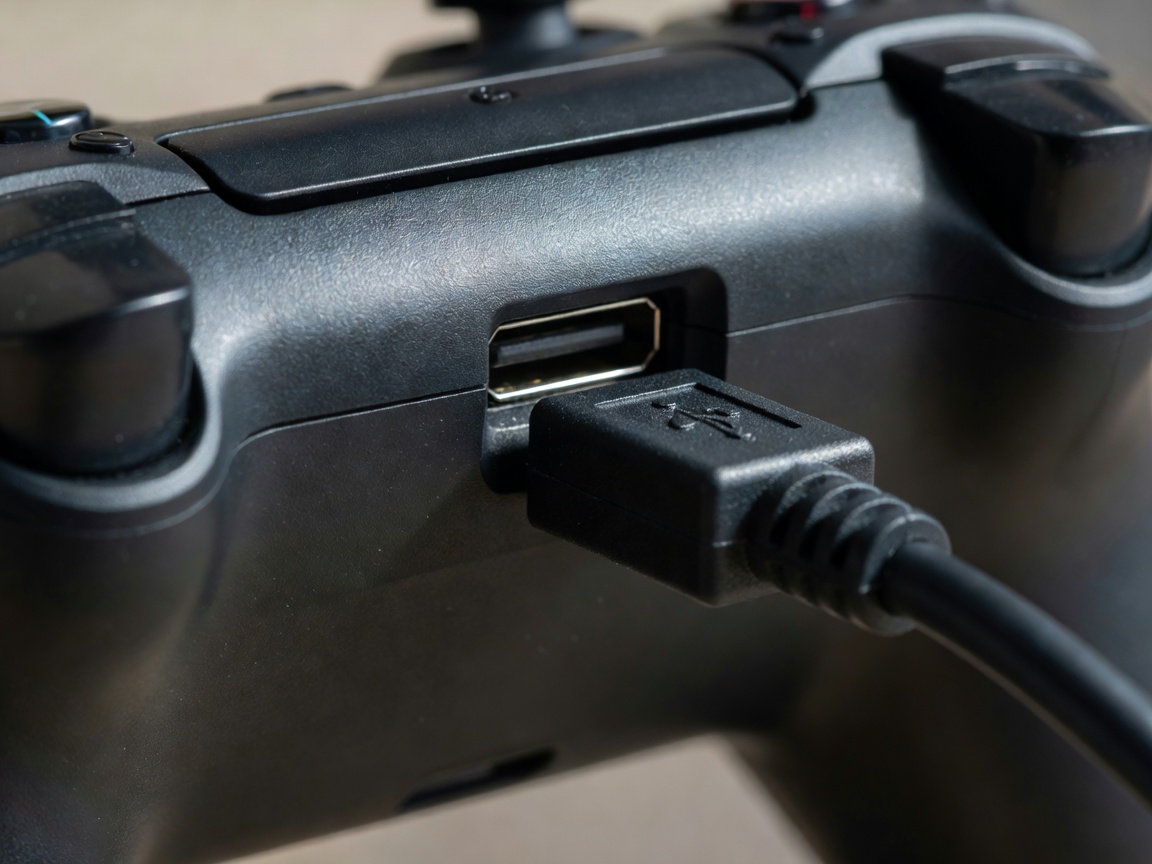
Opening a controller can damage clips, ribbon cables and batteries. Disconnecting a cable does not isolate an internal battery. Check warranty and local consumer rights before disassembly; board work and battery damage are not beginner diagnostic steps.
No. Game deadzones, calibration and input-mapping layers can cause similar behavior. Persistent off-center input across independent tests makes hardware wear more likely, but does not identify a failed component by itself.
No. Some cables provide power without usable data. Use a known-good data cable, a compatible host and a controller that supports the intended wired mode.
No. Fluid can carry residue deeper into the controller and harm coatings or materials. Begin with powered-off exterior cleaning using a dry cloth and the manufacturer’s care guidance.
We separate observation, a reversible check and the meaning of its result. Model-specific instructions belong with the exact manufacturer documentation, not a look-alike shell. These are independent editorial guides, not a claim of bench testing every revision or an authorized service relationship.
About cookies Essential cookies keep this site working. Optional ones help us see what is useful. You can change your choice at any time. Cookie policy